Upcoming Maintenance : Tuesday April 7th at 7PM.: A maintenance operation will take place on Tuesday April 7th from 7pm to 10pm (EDT). The application will remain accessible during this period, but brief service interruptions are possible. We apologize for the inconvenience.
Close

Retrieve all mailings sent to a group

To see the list of the mailings sent to a group:

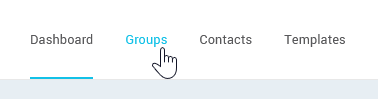
  1. Go to the Groups menu and browse the list of groups or use the search to find the group in question.
    open-the-Groups-menu
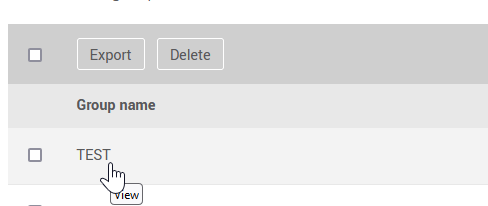
  2. Click on the group name to open it.

    click-the-group-name-to-open-it
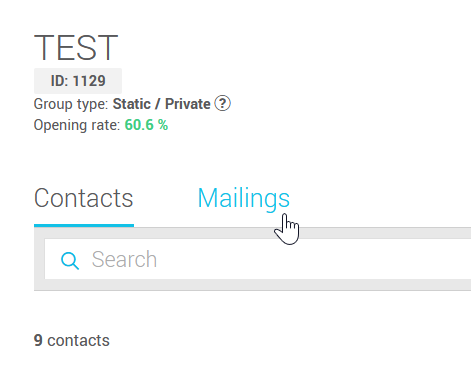
  3. Then go to the Mailings tab to see the list of previous mailings the group has been a part of.
    go-to-mailings-tab

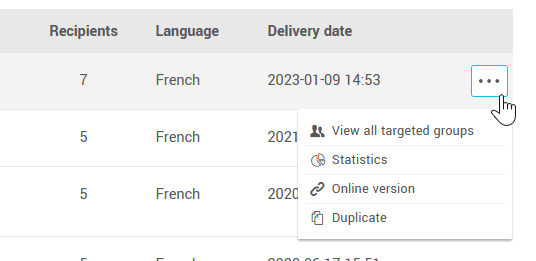
From the group's Mailings tab, you'll be able to access each mailing's statistics and the link to its online version (web version) or to schedule a new mailing by duplicating it.

access-mailings-actions

Top